At Sprited, we’re building SpriteDX—a one-click pipeline that turns a simple prompt into a fully animated, game-ready character.
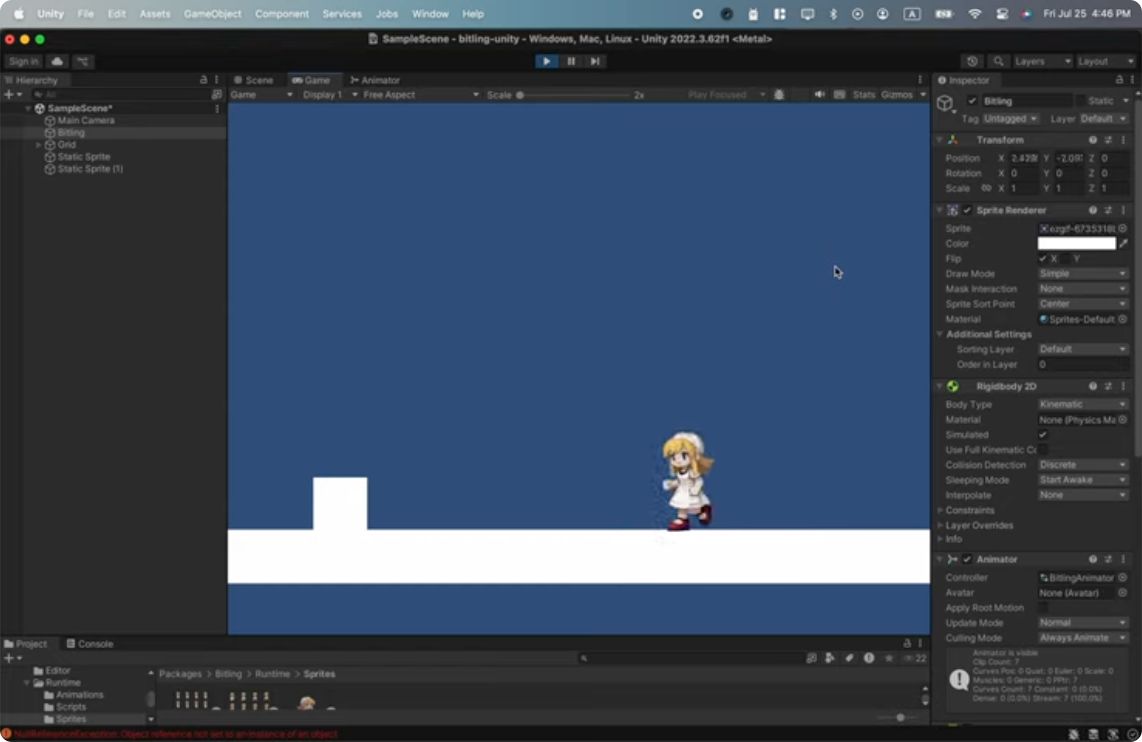
This week, we got our first taste of what’s possible. Using Flux.1-dev and Seedance1 Pro, we created a demo character that can idle, run, and jump. It’s a working proof of concept that shows what SpriteDX can do.
That said… it’s definitely not one-click yet. We’re still duct-taping together a bunch of manual steps.
Next week, the goal is to automate the whole pipeline—even if it’s still a little scrappy.
What needs to be automated
🧍 Character Reference Generation
- Augment user prompt for consistency
- Pick a style reference image
- Remove shadows, watermarks, and backgrounds
- Pick a background color that supports easy cropping
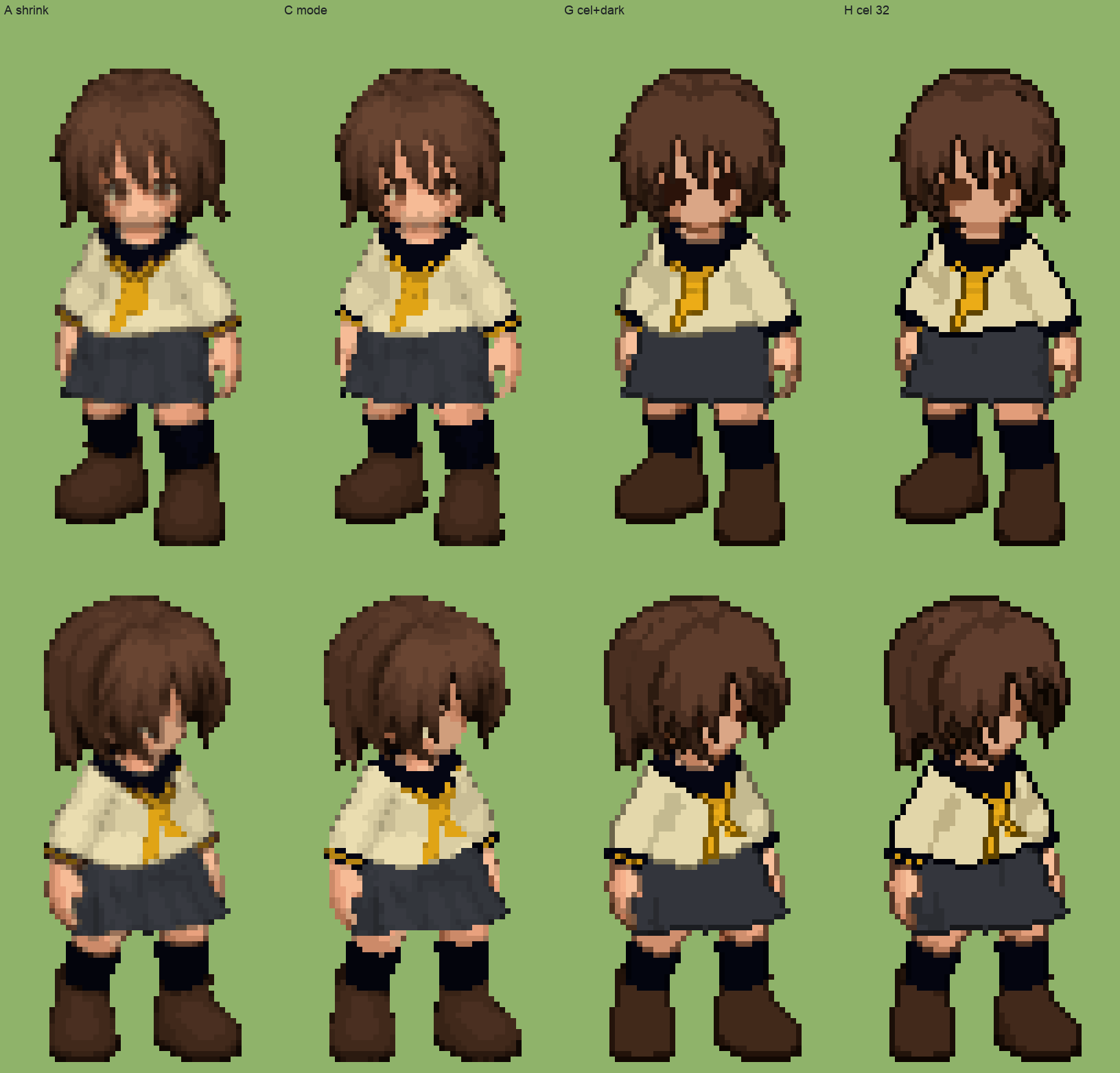
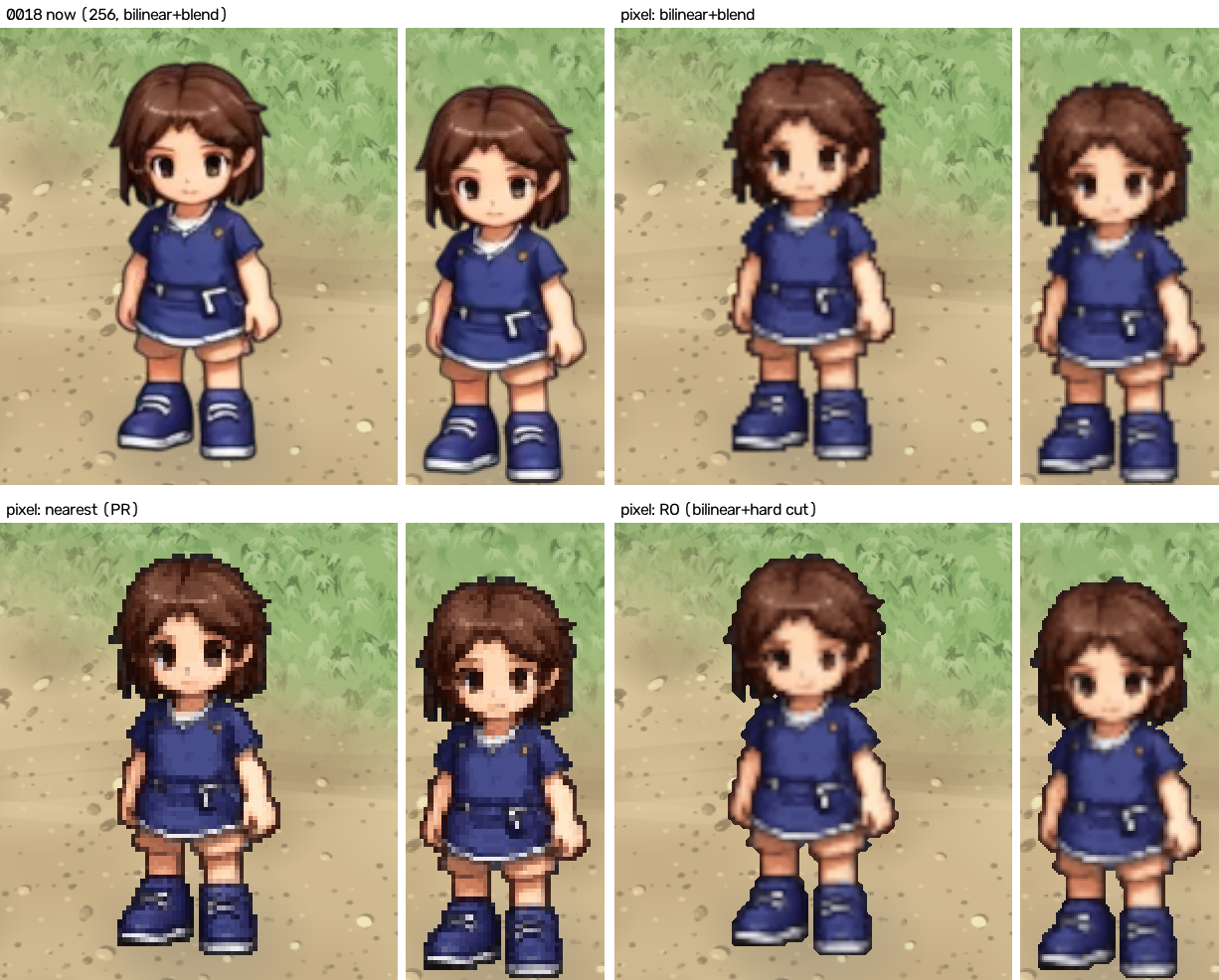
- Quantize/palettize if needed
- Preview everything before moving forward
- Generating character animation
🎞️ Animation Generation
For each state (idle, run, jump, etc):
- Scale/crop the reference character for video generation
- Use first frame + preset prompt to generate animation
- Auto-trim loops cleanly
- Extract and process the frames
🧩 Sprite Sheet Assembly
- Generate a sprite sheet from selected frames
- Include a
spritesheet.jsonwith frame metadata - Save files in the correct structure
🧠 Character Script Creation
- Generate code/scripts using templates or presets
- Spawn the character on-screen with a basic AI and animation controller
There’s still a lot of glue code and rough edges. But each piece we automate moves SpriteDX closer to becoming a real tool—not just a toy demo.
Next week: close the loop from prompt to playable character, even if it means hacking things together.
—SpritedDev 🌱
Comments
Join the discussionNo comments yet. Be the first to comment.