Pixel Art XL - Rendering characters into pixel art format
For Sprute, we are testing an offline image-to-image workflow for turning rendered-looking character views into pixel art. This experiment starts with an existing eight-direction sheet. It does not generate the missing directions.
Model: Pixel Art XL by nerijs, applied to SDXL Base 1.0, with Canny SDXL ControlNet for structure guidance.
Configuration:
Runtime: ComfyUI 0.33.1, self-hosted
Input: 8 × 640×640 character views
Generation: 1024 × 1024 per view
Output: 128 × 128 per view
Downsampling: nearest-exact, 8× reduction
Seed: 20260921
Steps: 28
CFG: 5.5
Sampler: dpmpp_2m
Scheduler: karras
Pixel Art XL: model 1.0 / CLIP 1.0
ControlNet strength: 0.8
ControlNet start / end: 0.0 / 0.85
Canny thresholds: 0.2 / 0.4
Denoise: 0.45 for all 8 views
Front-view comparison: 0.30 / 0.45 / 0.60
VAE: checkpoint VAE
Refiner: none
Batch size: 1
GPU: NVIDIA RTX PRO 6000 Blackwell 96GB
The sampler, denoise and ControlNet settings are our experimental choices, not an official Pixel Art XL recipe. No paid generation APIs were used.
Input Image:
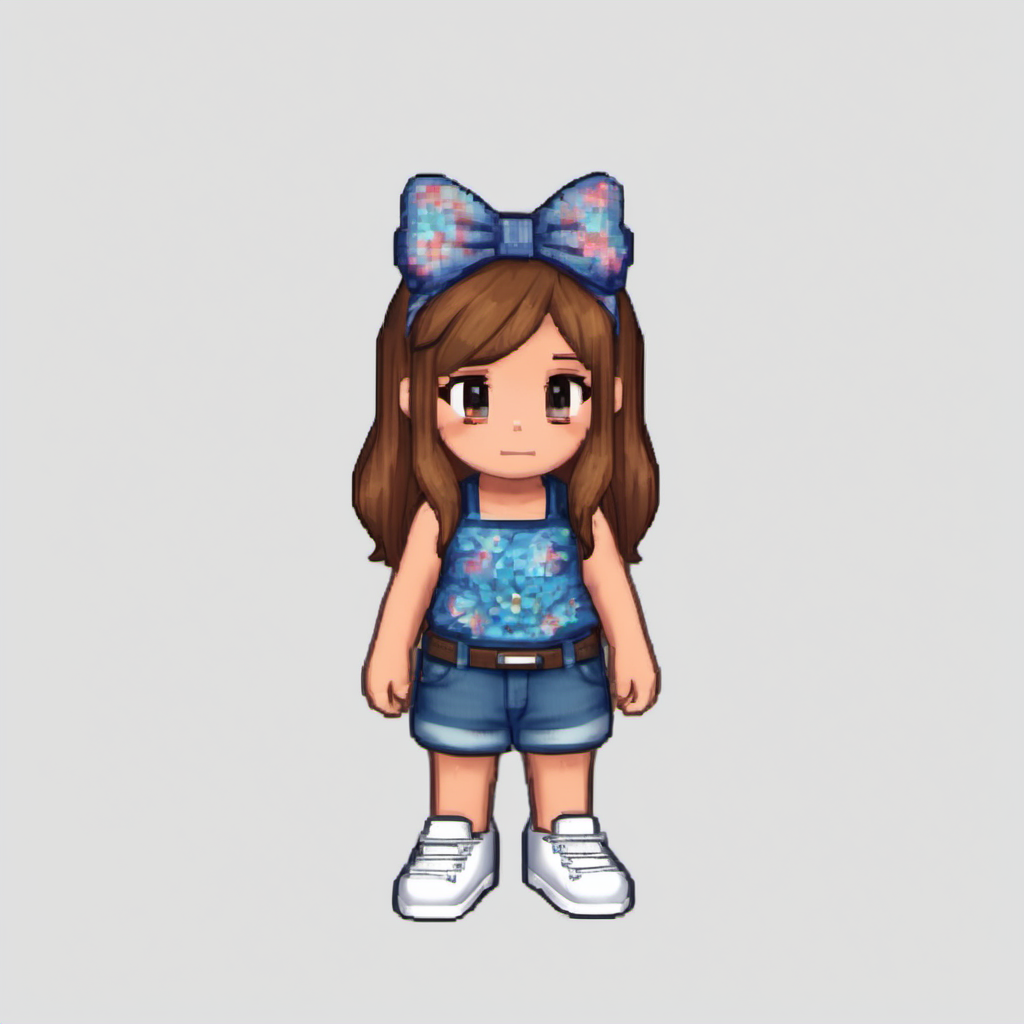
An eight-direction character sheet provided by Jin, split into individual views. We preserved the transparent source and composited the generation inputs onto a light gray background. The output images shown here are opaque.
Prompt — front view:
pixel art, cute chibi girl game character, front view, looking toward viewer, long chestnut brown hair, large blue floral bow on head, turquoise blue sleeveless floral top, blue denim shorts, white socks and white sneakers, standing, full body, same outfit and silhouette, clean readable pixel clusters, limited palette, flat light gray background
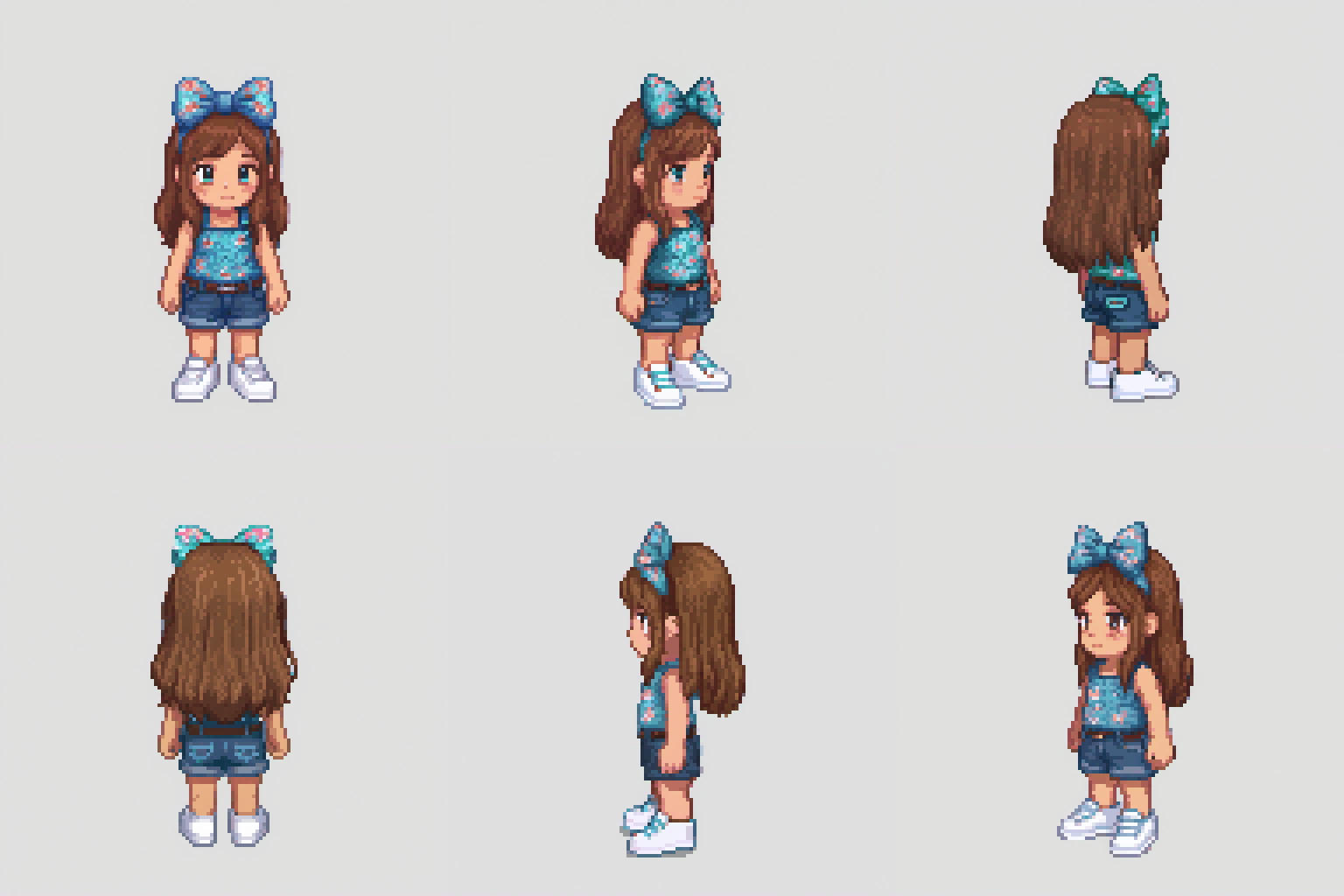
Other views use matching directional descriptions. Each image is generated independently.
Negative Prompt:
photorealistic, 3d render, blurry, text, watermark, extra limbs, extra character, scenery, background pattern, dress, skirt, weapon
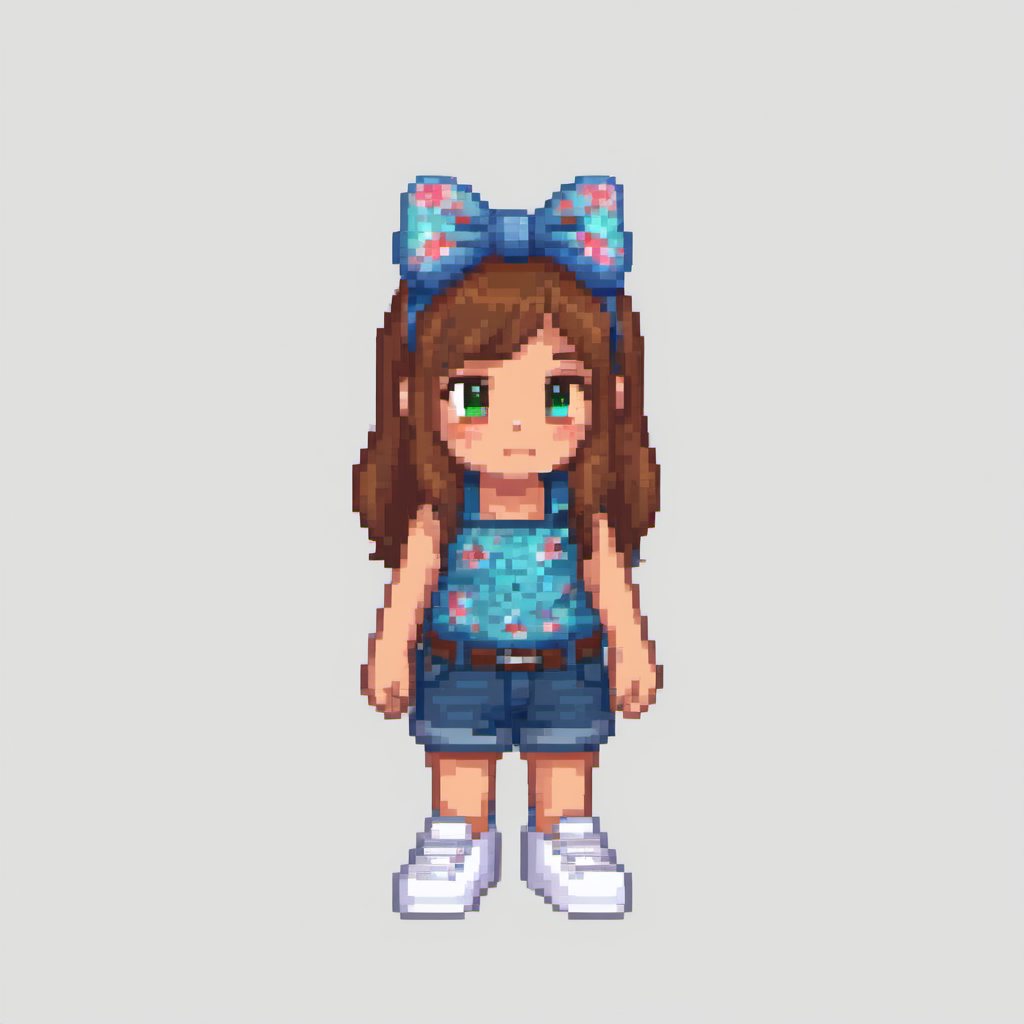
Output Image:
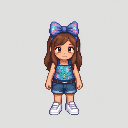
Downsampled:
Variations:
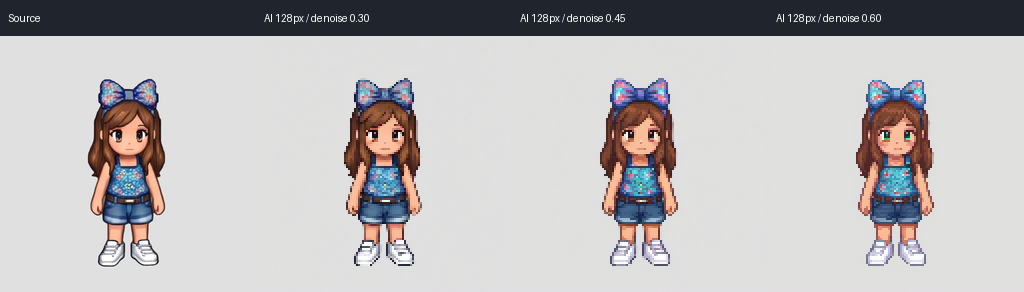
Notes:
- Not at the level of quality I need this in.
Next Steps:
Understand the results.
Remove dither somehow.
Find a way to make it so that it does not loose outline detail.
Plan for next attack!
Gotta go!
‒ Sprited Dev 🐛