Krea 2 vs Flux.1 Dev Fill vs Qwen Image Edit - Inpainting Pixel Art Test
Flux.1 Dev Fill
SpriteDX uses Flux.1 Dev Fill model to fill out the following template.
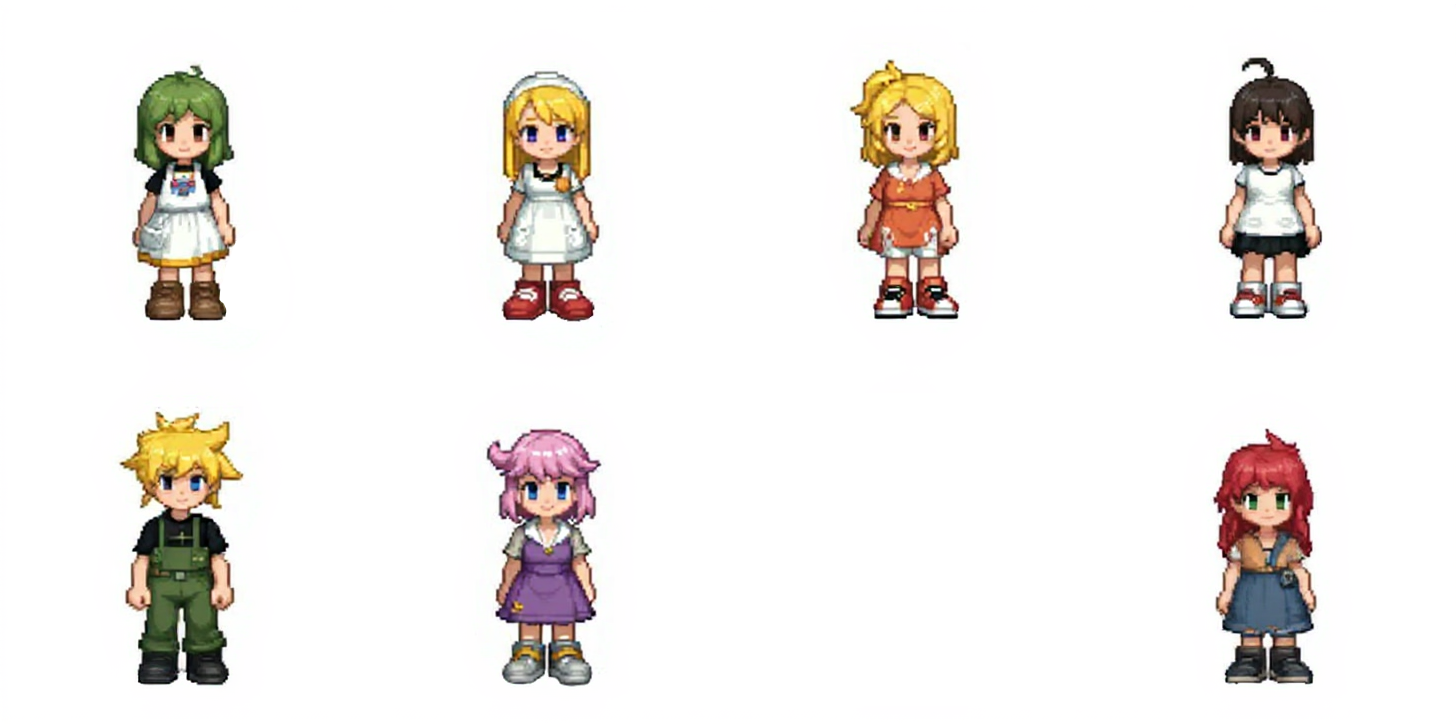
Flux 1. Dev does an awesome job at generating perfectly sized characters for this empty lot.
Flux.1 Dev Results:
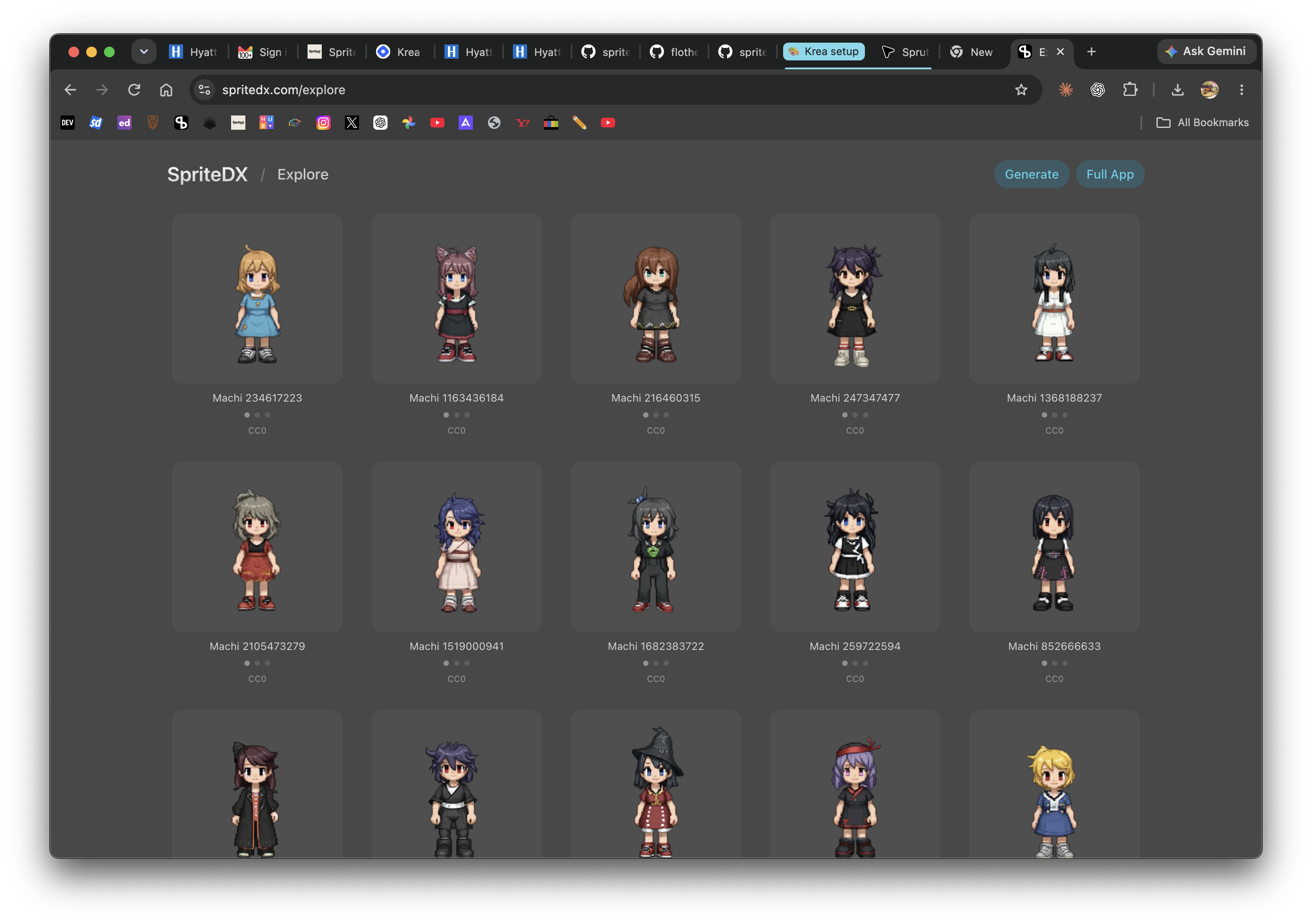
All characters come from coherent style and scale.
I wanted to see if there are any alternative to Flux.1 Dev Fill.
Krea 2
Krea 2 is the closest thing I found.
Workflow:
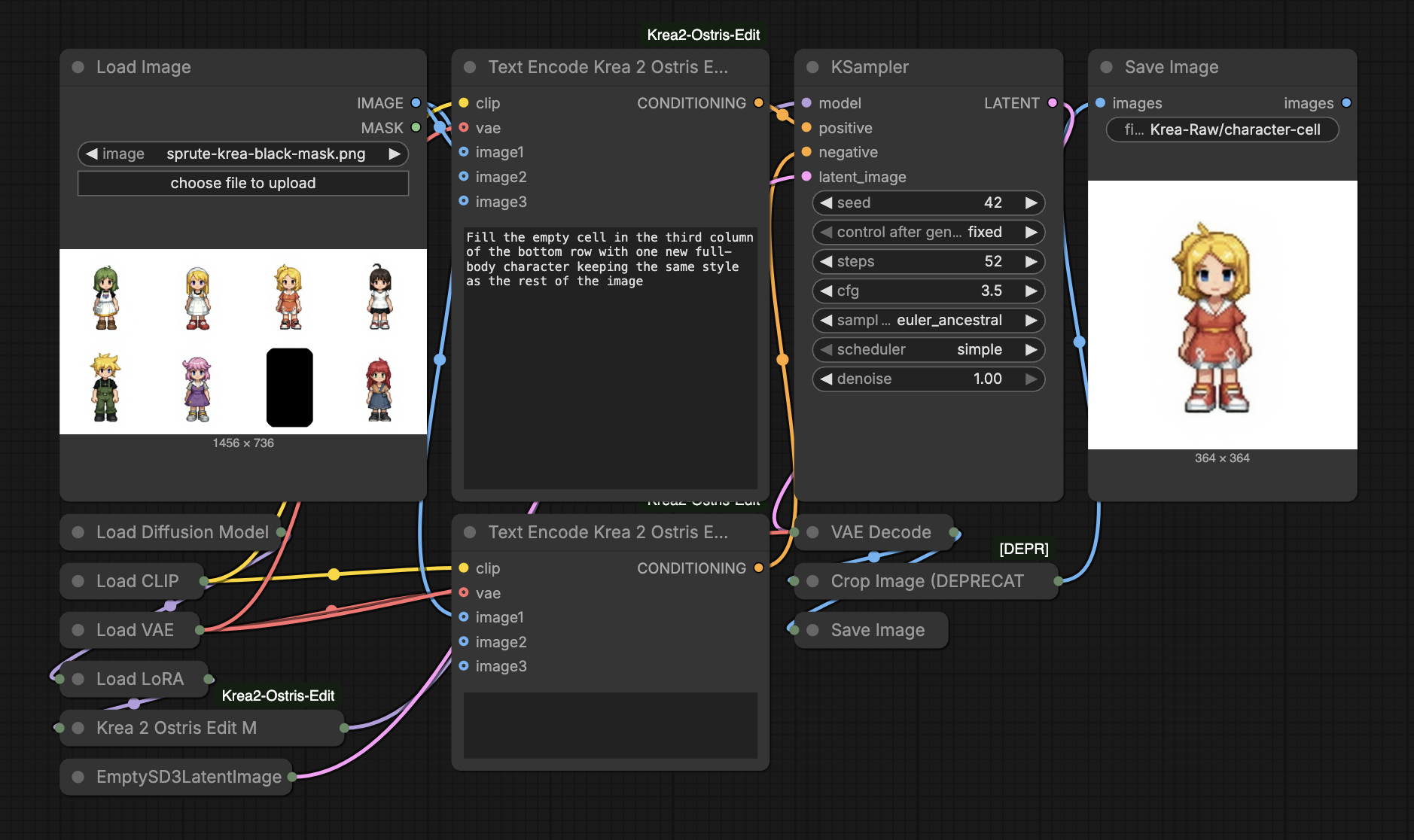
Krea 2 Configuration:
| Setting | |
|---|---|
| Model | Krea 2 Raw FP8 |
| Inpainting LoRA | krea2_inpaint_edit, Strength 1.0 |
| Text Encoder | Qwen3-VL 4B FP8 · Type krea2 |
| VAE | Qwen Image VAE |
| Model Patch | Ostris Edit · KV cache |
| Sampling | 52 steps / CFG 3.5 / Euler ancestral / simple |
| Seed | 42, fixed |
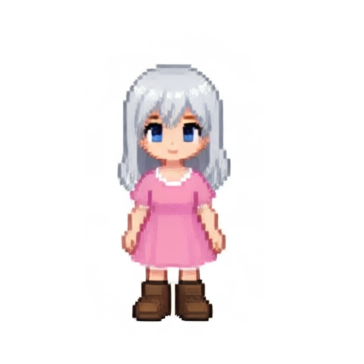
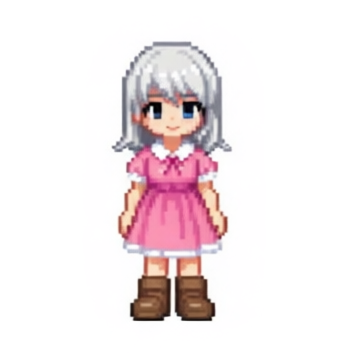
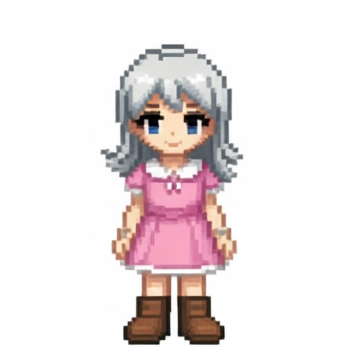
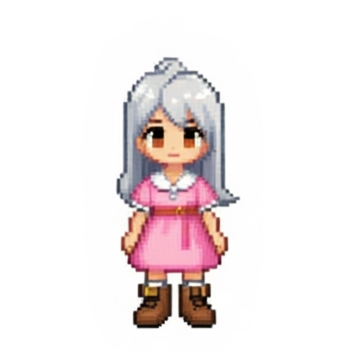
Krea 2 Results:
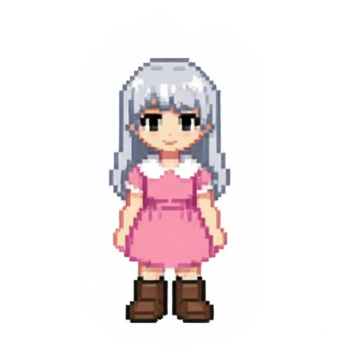

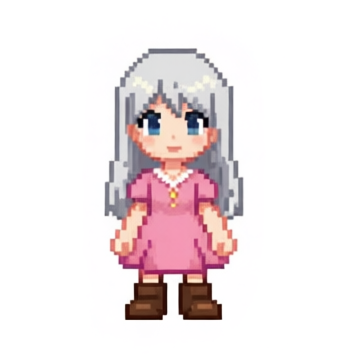

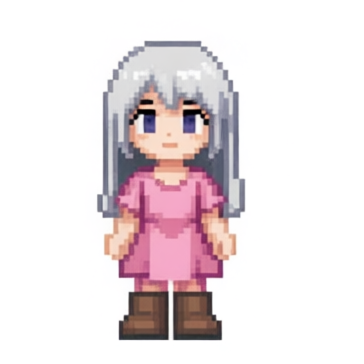
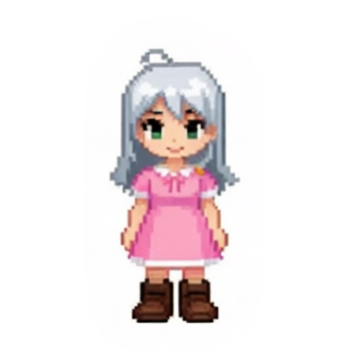
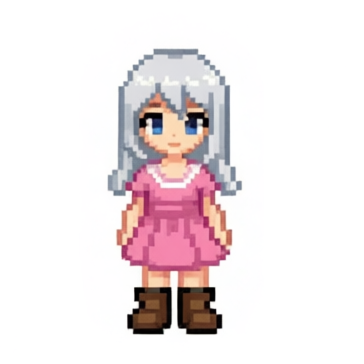
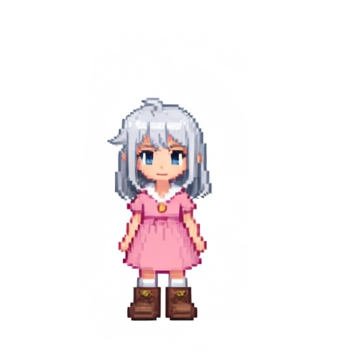
More Results:
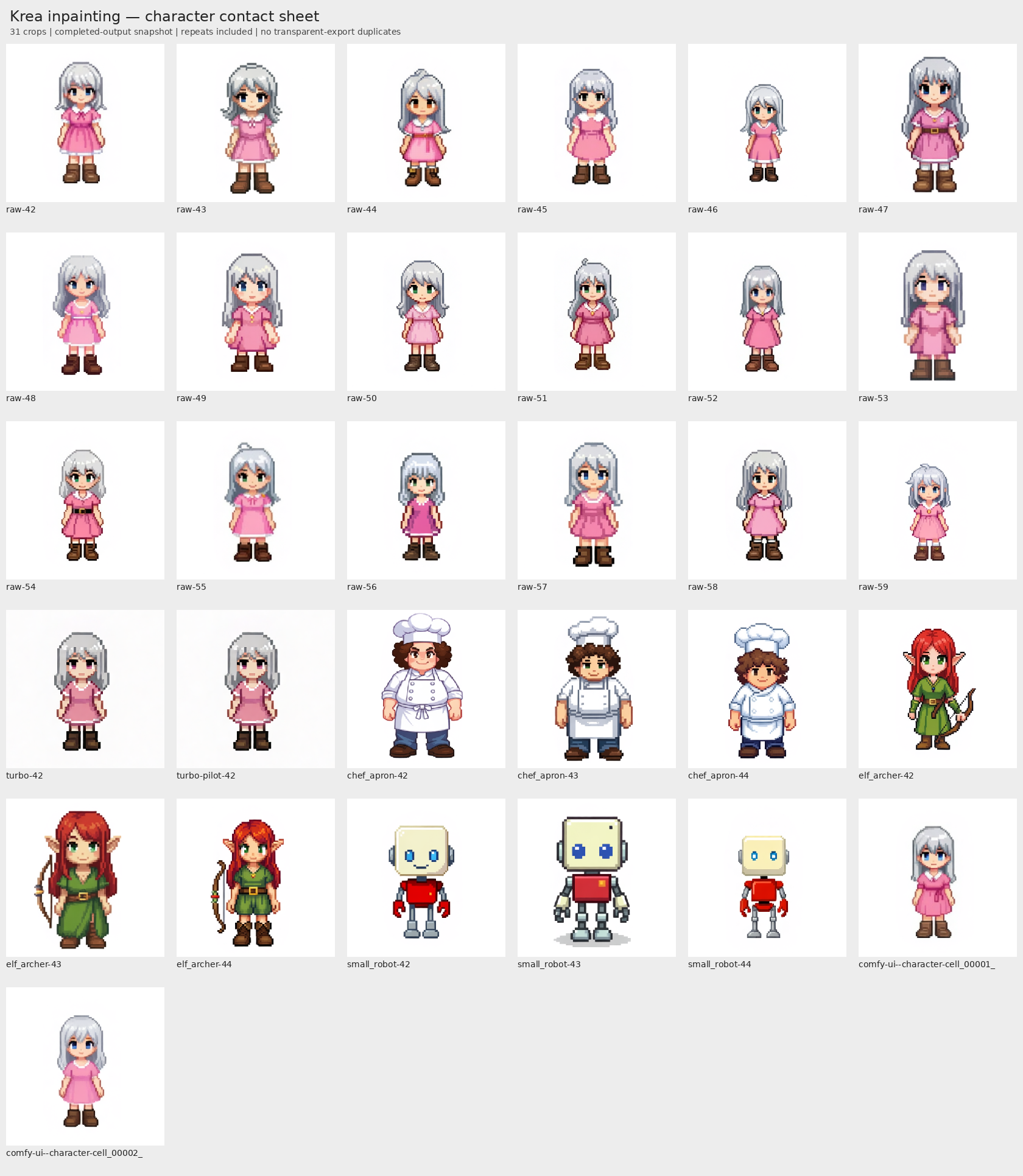
Included some other prompts in the mix at the end.
Qwen Image Edit 2511
Throwing in a contender.
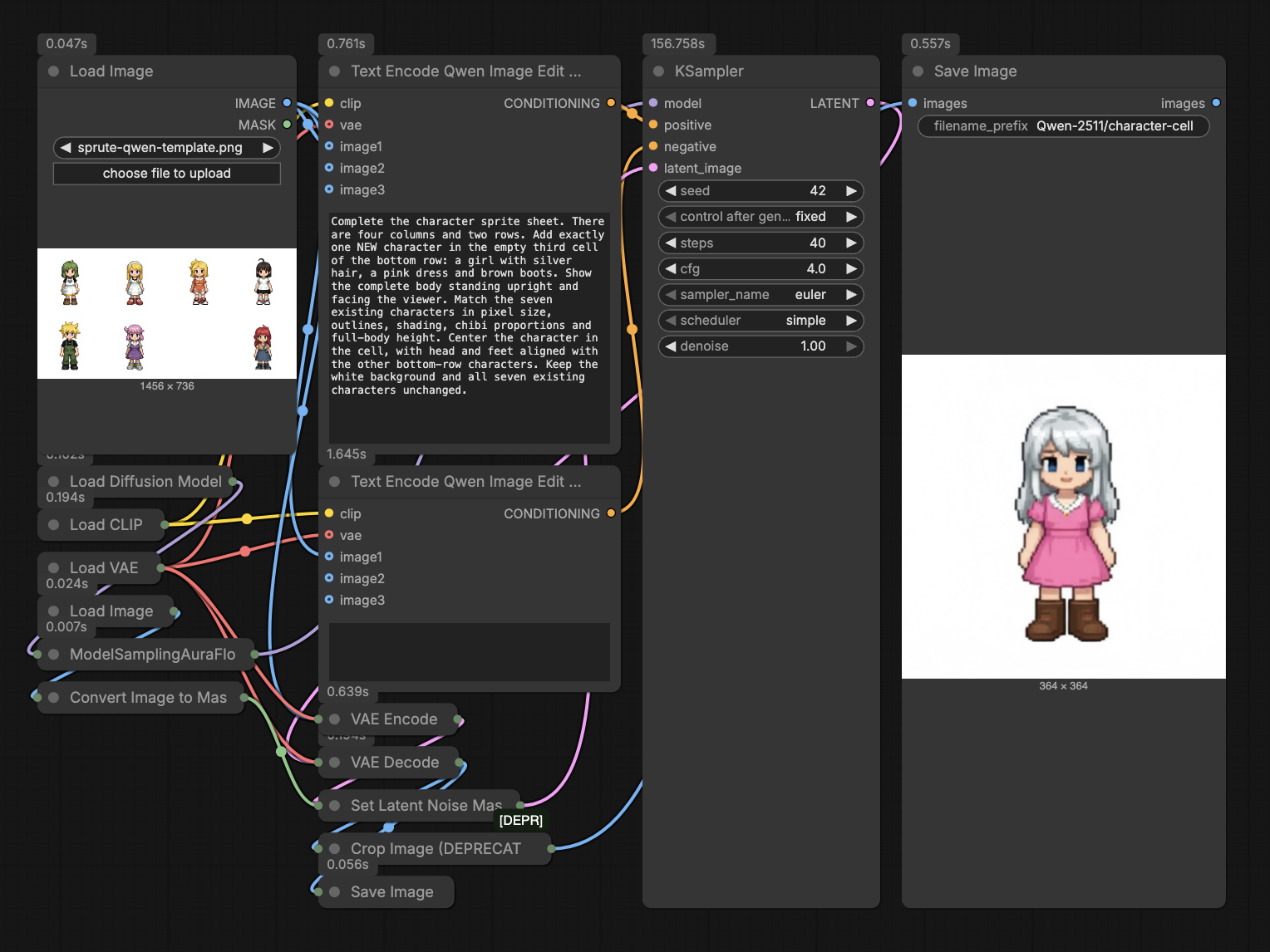
Configuration:
| Setting | Value |
|---|---|
| Model | qwen_image_edit_2511_fp8mixed.safetensors |
| Text encoder | qwen_2.5_vl_7b_fp8_scaled.safetensors |
| VAE | qwen_image_vae.safetensors |
| Steps / CFG | 40 / 4 |
| Sampler / Scheduler | Euler / simple |
| Denoise / Flow shift | 1.0 / 3 |
| Seed | 42, fixed |
| LoRA | None |
| Template | Seven-character sheet, padded to 1456 × 736 |
| Mask | Inverted template alpha → latent noise mask |
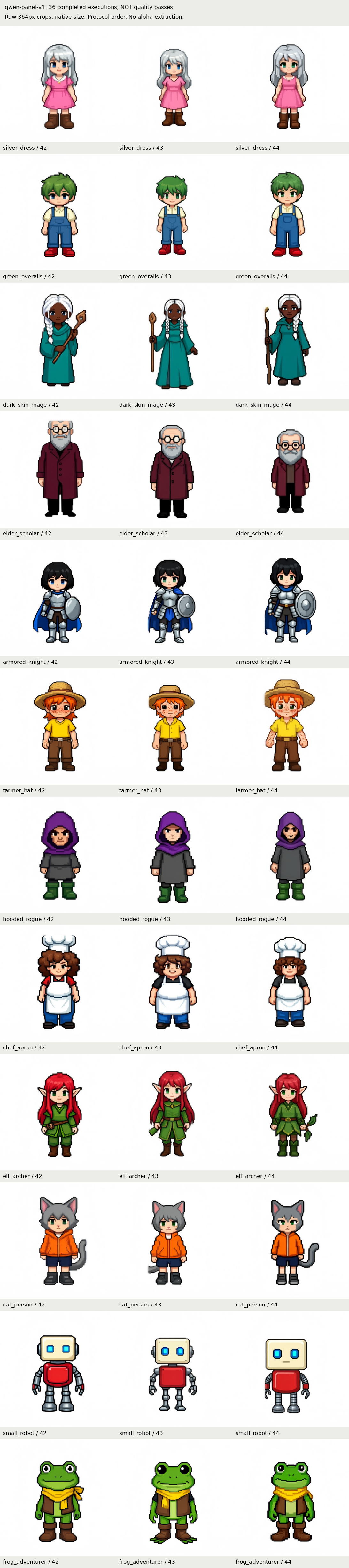
| Output | Full sheet + 364 × 364 character crop |
Qwen Image Edit Results:
Qwen Image + Fun Union
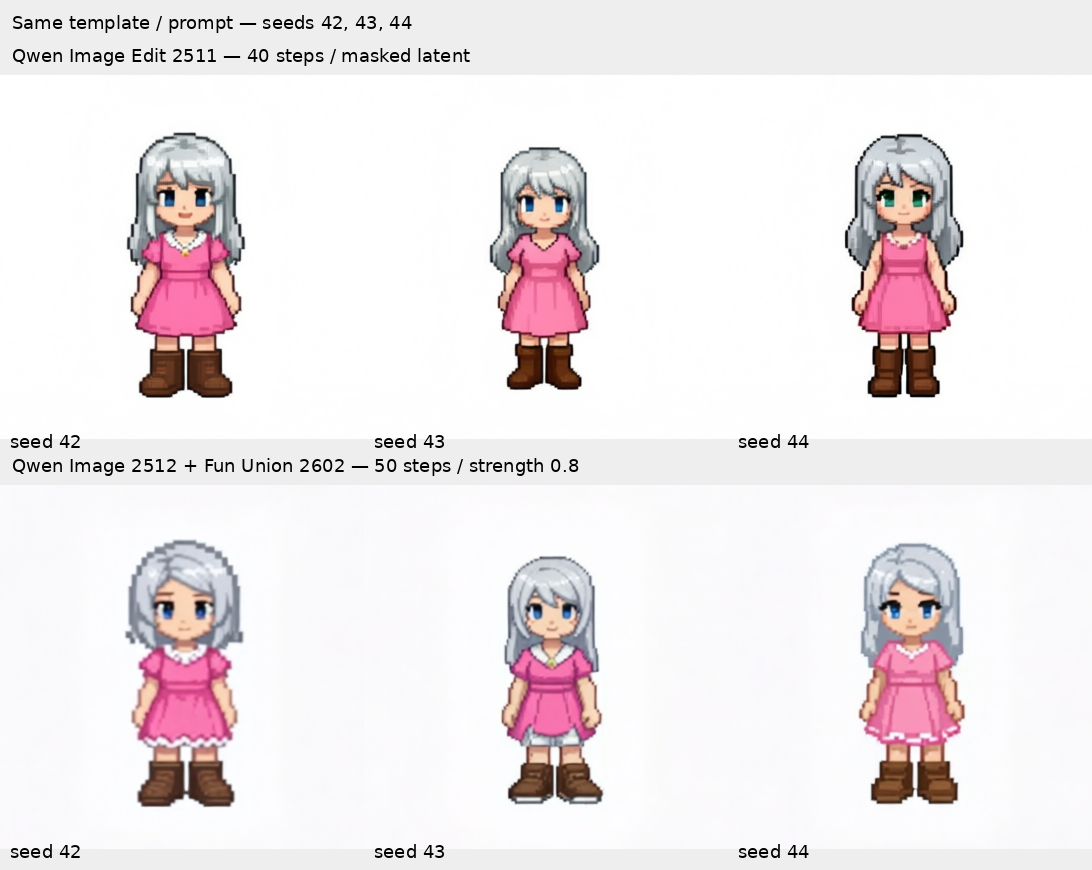
There is also option of doing inpainting with Qwen Image. Very similar results.
Z Image
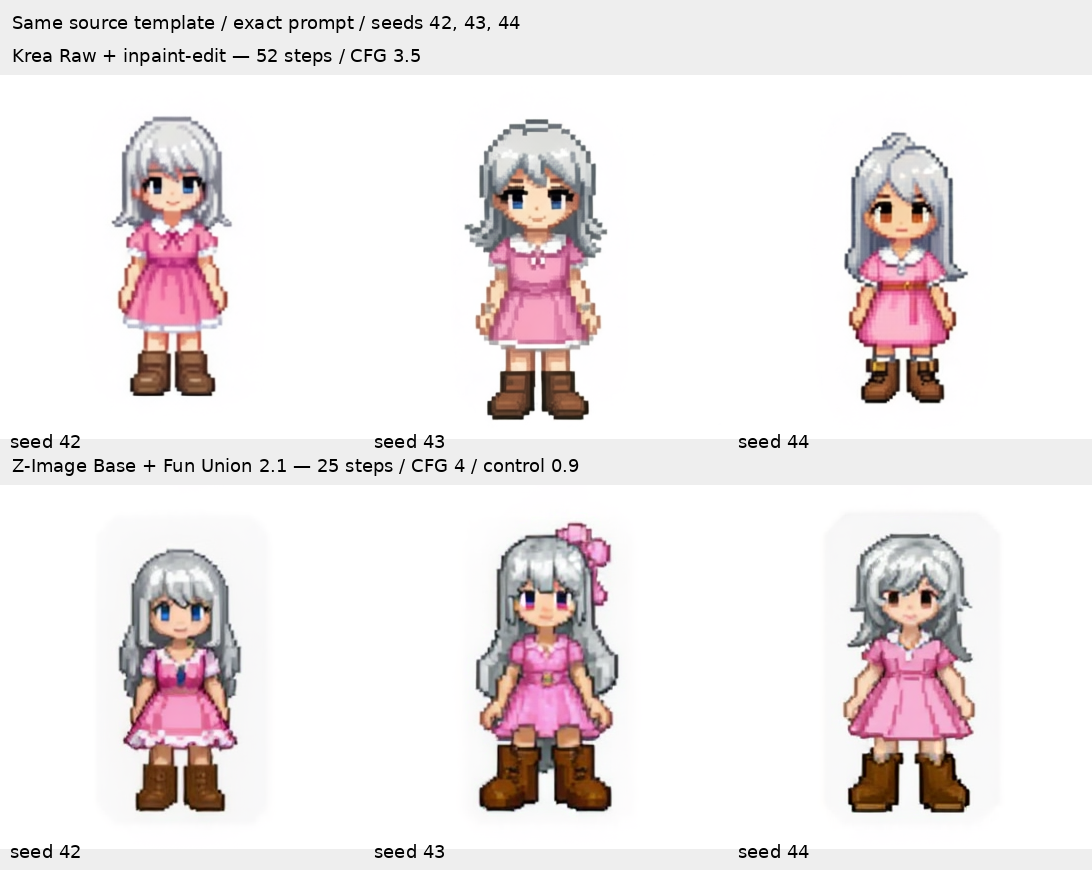
Don't have time to write about it but style consistency seems superior in Z Image case.
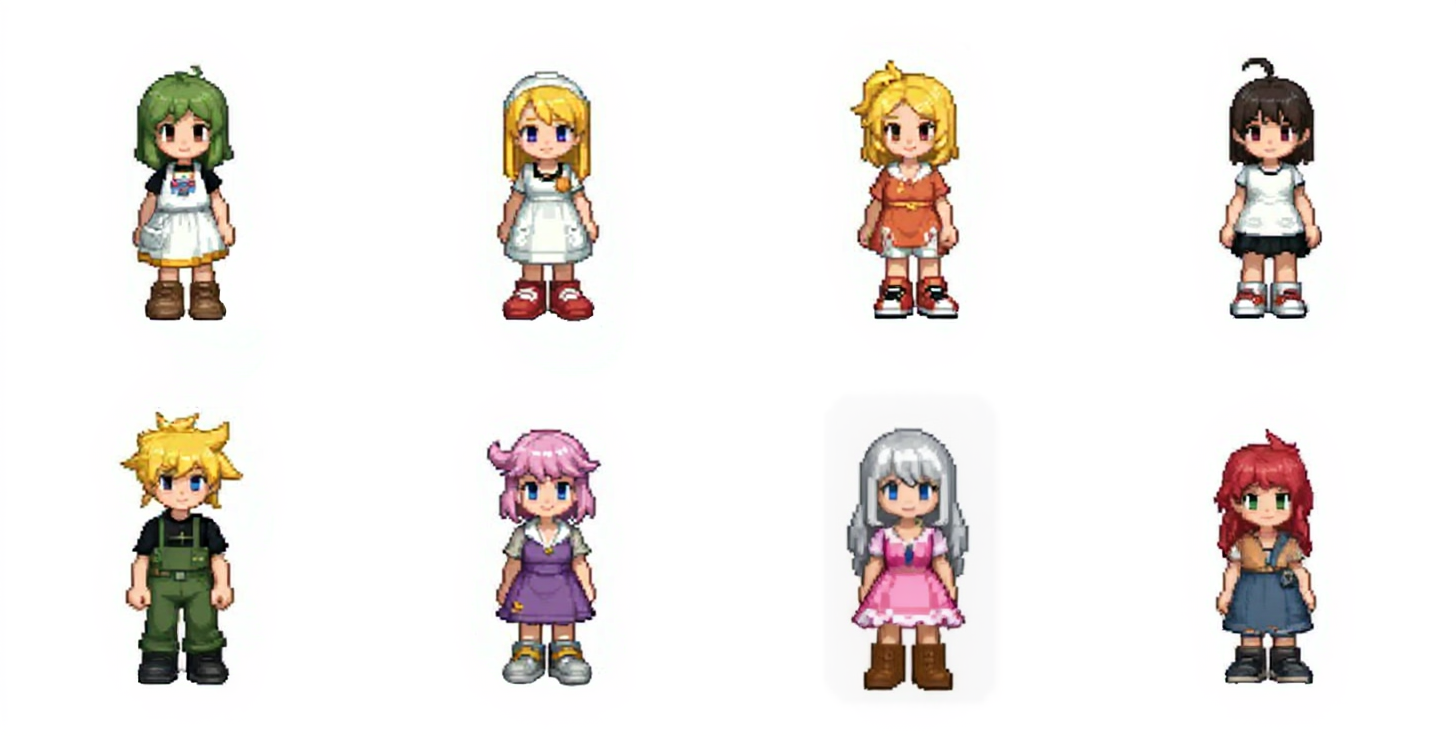
But, that's just one sample.
Discussions
Analysis:
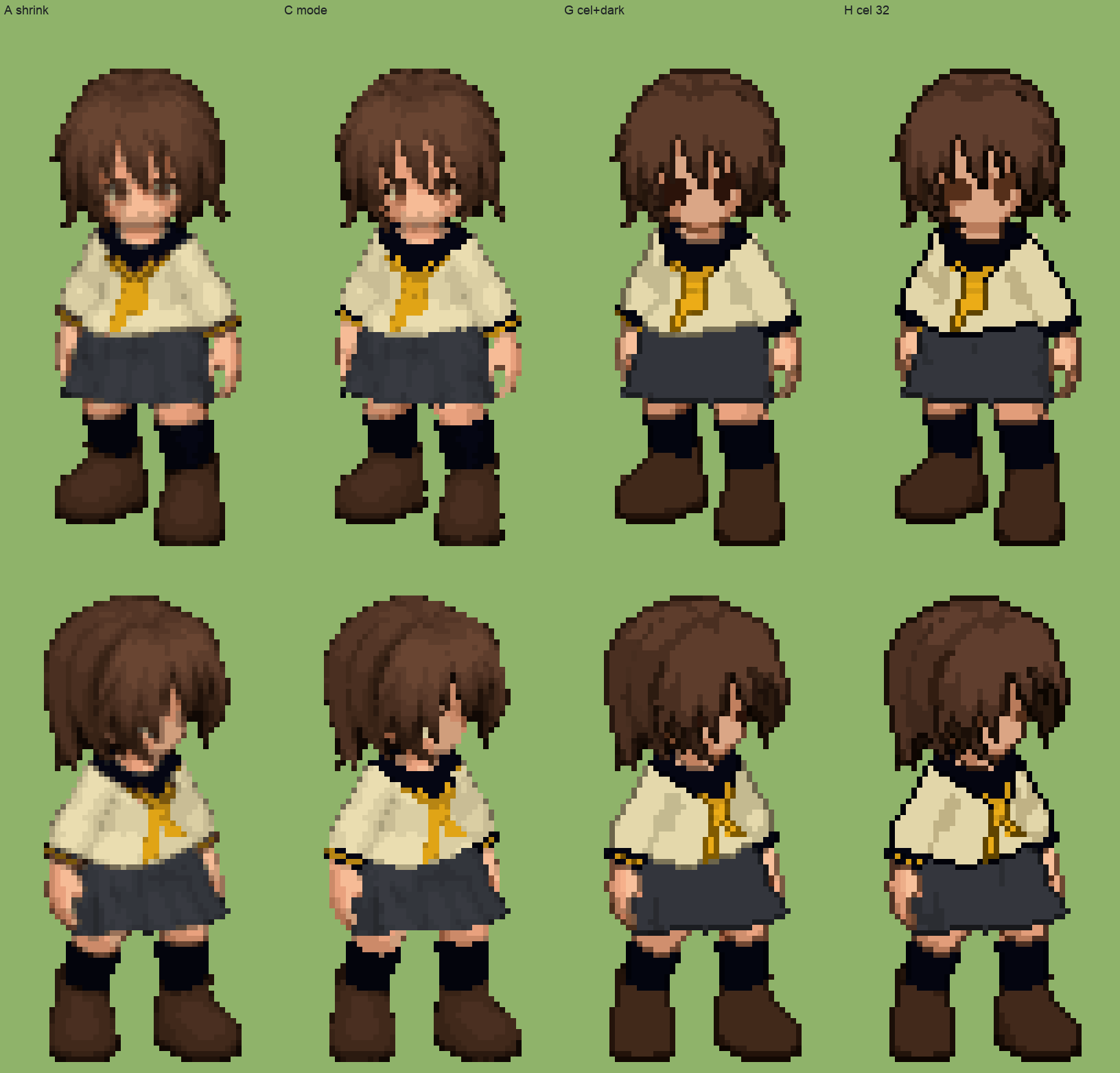
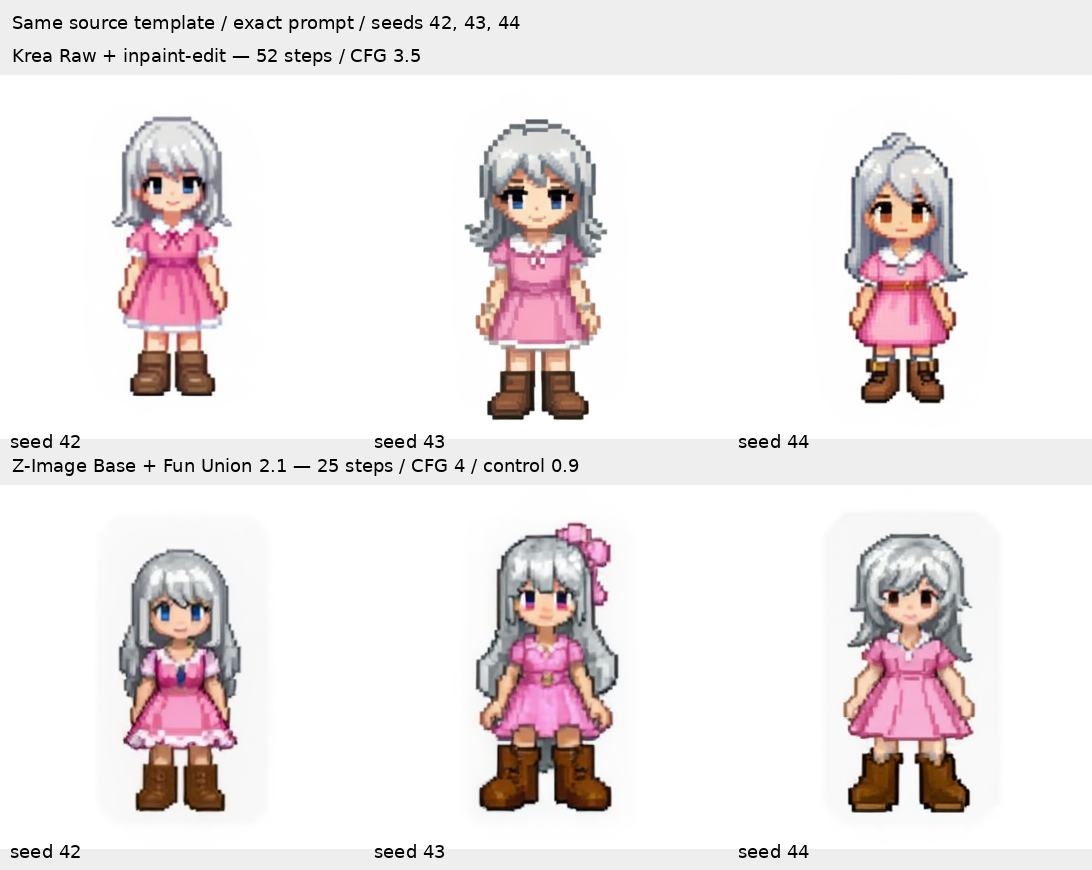
- While Krea 2 generates beautiful pixel arts, there is certain level of style drifts depending on seeds. I think there may be ways to control it better.
- Krea 2 is overall promising alternative if we can contain the style drifts.
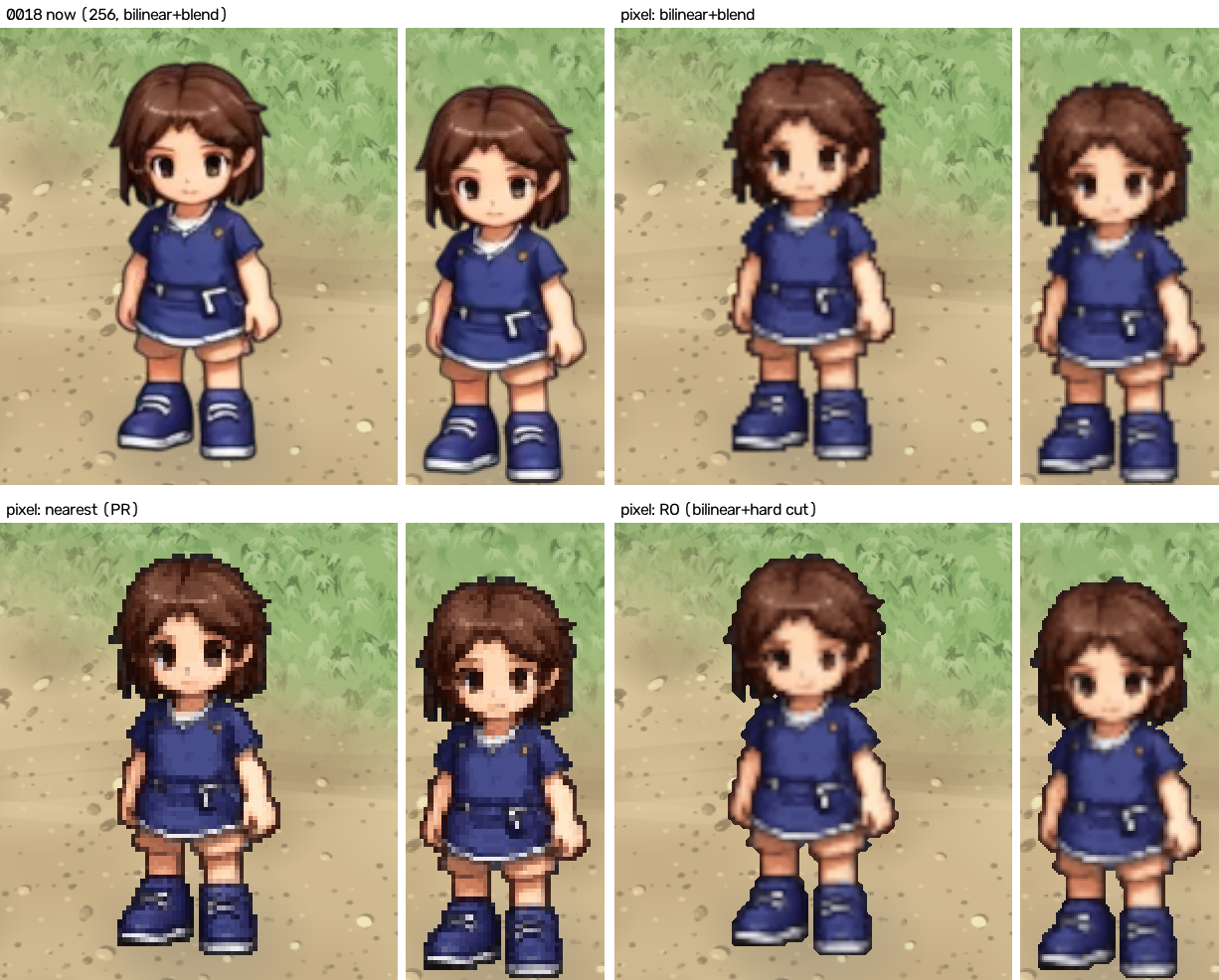
- Qwen Image Edit needs character designs are drifting from original designs. This too must be studied further to see if we can control them better. Krea 2 seems to provide better character designs.
Next Steps:
- Figure out how to remedy the style drifts.
- Consider replacing Flux 1.Dev Fill with this.
- Also write about Qwen Image Edit 2511 experiments.
- Look into fine-tuning.
- Try Qwen-Image-2512 + Fun ControlNet Union
- Let's also document how zImage does in inpainting.
- look into kimodo flows
- Do CFG and Scheduler variations on various inpainting models.
- Read whitepapers.
‒ Sprited Dev 🐛
Comments
Join the discussionNo comments yet. Be the first to comment.