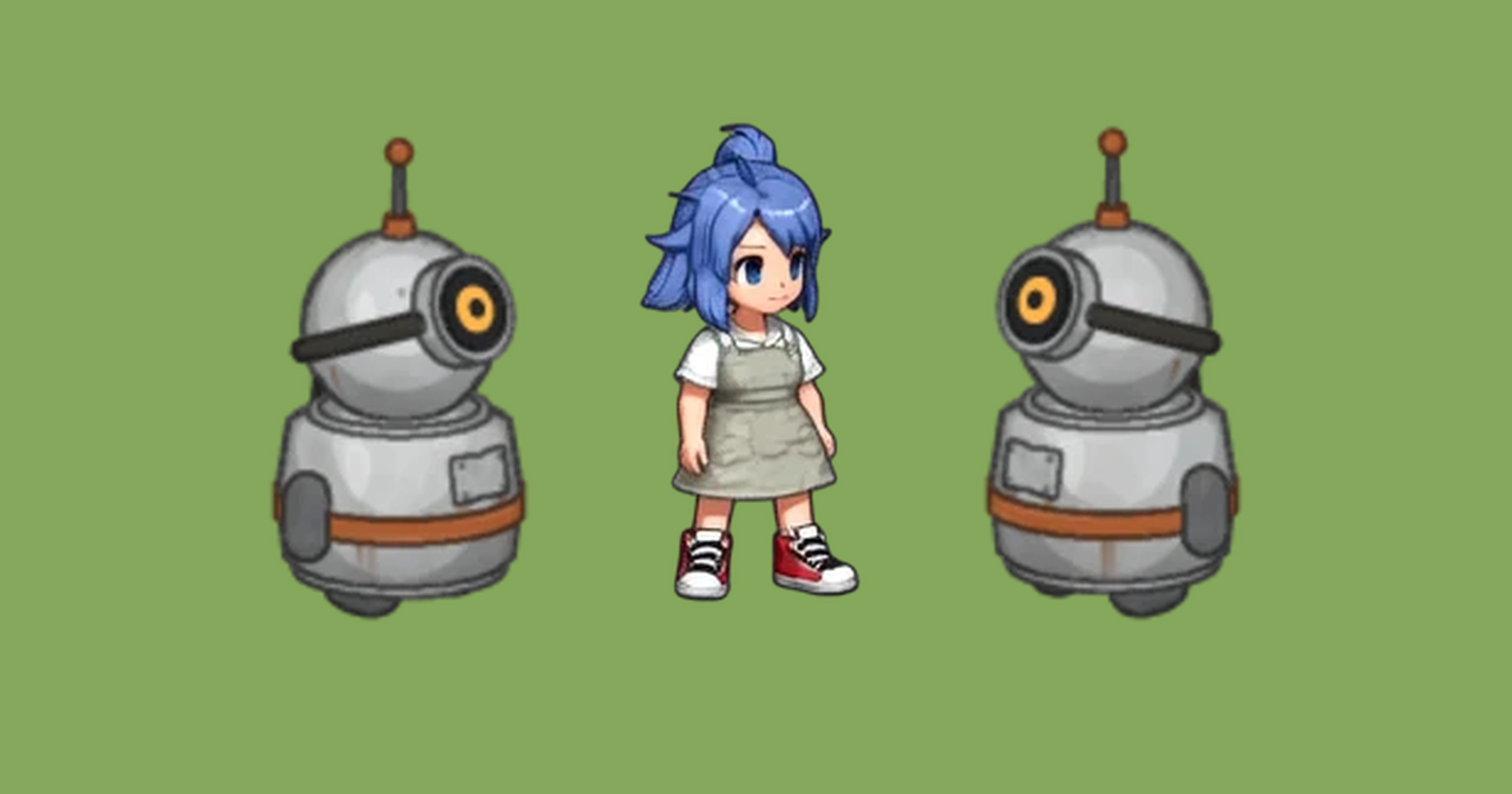
Animating 12 chibi monsters in place with Seedance and a 2x2 sheet
Last time AniSora gave each of our 12 chibi monsters eight directions. Next they have to move.
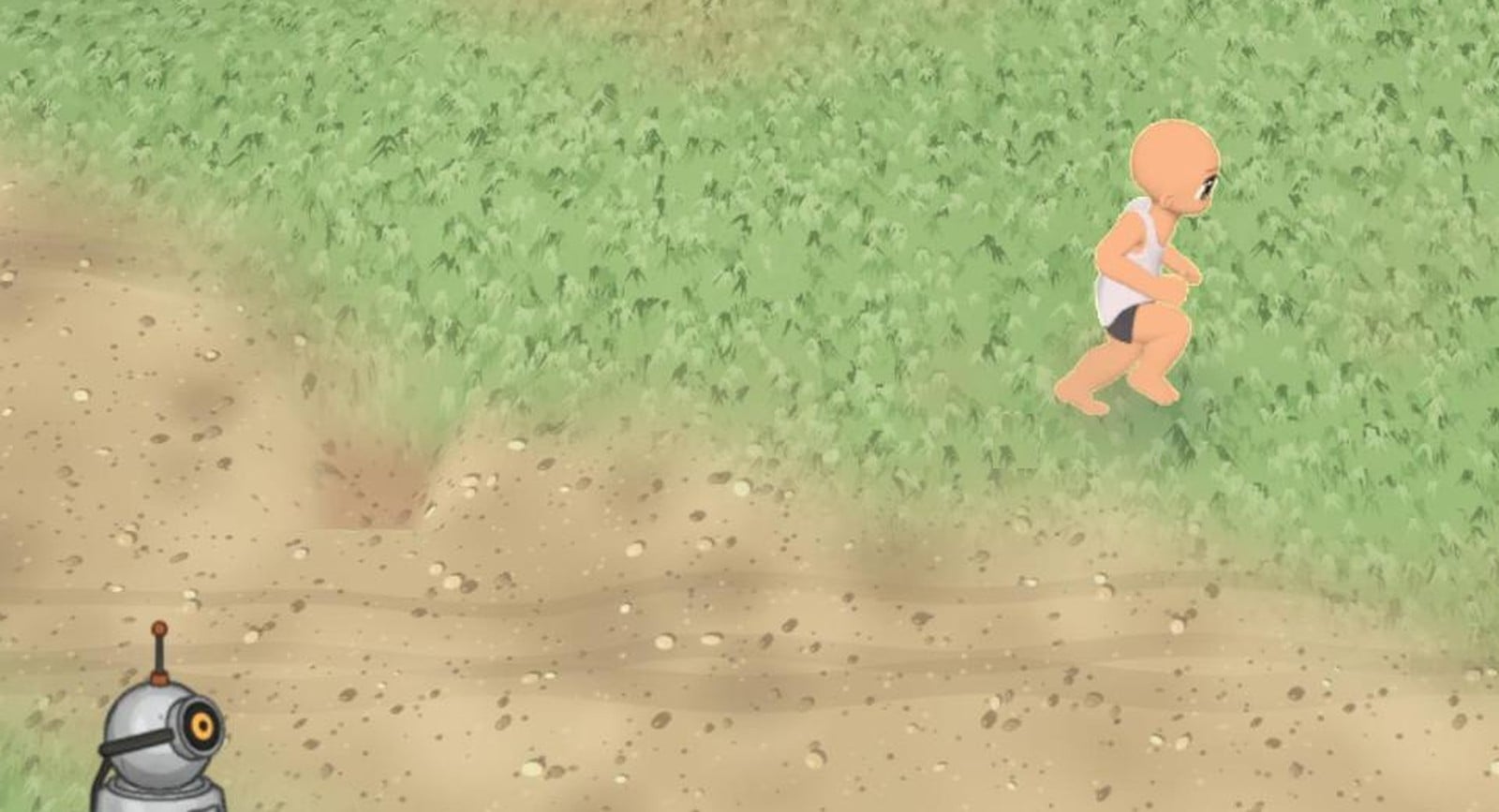
For humanoids, Sprute drives SCAIL2 with a rendered mannequin. On these monsters that went badly. Chibi legs are about a quarter of the height, so a walk barely shows. Big heads turn to the camera. The wolf pup sits facing forward, while our quadruped rig stands sideways. A blob has no rig at all, and the procedural squash we tried for it looked cheap.
Jin's idea was simpler. Give Seedance the monster as a 2x2 sheet of four directions, and ask it to animate all four in place, doing the same motion.
Setup
- Input: One 720×720 sheet per monster. The four diagonal views (NW, NE / SW, SE) from the AniSora turntable sit on flat gray, one per cell.
- Model: Seedance 2.0 Fast on Replicate. The sheet is both the first and the last frame, so the 4-second clip starts and ends on the same pose and loops.
- Prompt: "A 2x2 sprite sheet of the same cute pixel art monster seen from four directions… All four perform the same motion in perfect sync: {motion}. Each one stays in place in its own cell, keeps facing the same direction, and never turns toward the camera. Fixed camera…"
- Motions: An idle and a move for each body type. The move is a walk in place for legged monsters, a hop for the slime and the frog, a float for the fire spirit, and flying in place for the bat.
- Output: 960×960 at 24 fps, 97 frames. We keep 12 fps. Each clip took about two to three minutes.
We ran 17 of the 24 clips. The other seven come next: the orc, skeleton, mushroom and golem walks, and the imp, skeleton and mushroom idles.
Results
All 17, every cell as Seedance drew it, nothing cleaned up:

Across all 17 clips, no cell turned toward the camera, and no monster walked out of its cell. In all but one clip the four directions stay in step, so switching direction in game won't jump the motion. That's what SCAIL2 kept getting wrong on these monsters.
The ones that move the most:

- Slime hop: It squashes, springs up and lands twice, with a real jelly wobble on landing.
- Frog hop: The legs fold and extend for each hop. The four cells hop at slightly different times, so it isn't in sync like the others.
- Wolf walk: All four legs alternate and the tail sways. This is the clip SCAIL2 couldn't make, because the rig stood sideways and the design sat facing forward.
- Imp walk: It steps in place with its arms swinging, and the side views stay side views.
The idles are quieter but usable. The frog blinks and grins, the golem rocks, the orc's head bobs, the fire spirit flickers and throws sparks, and the dragon's wings flutter.
A sitting design stays seated
Two clips didn't do what we asked:
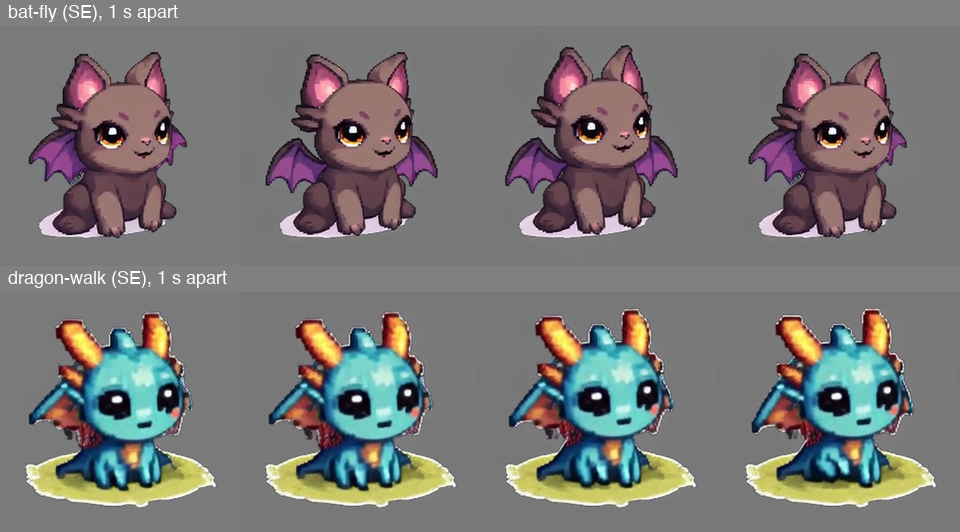
The bat was asked to fly in place and the dragon to walk. Both were drawn sitting down, and Seedance kept them seated. The bat flaps its wings and the dragon fidgets, but neither gets up. The beetle's walk is the same: its legs are hidden under the shell, so there's almost nothing to move.
We hit this with SCAIL2 too, from the other direction: there the design had to match the rig's pose. Here nothing forces a pose, and the model keeps the one we drew. A monster meant to fly should be drawn in the air, and one meant to walk should be drawn standing.
Next steps
- Run the seven clips that are left.
- Cut the gray background and turn the sheets into Sprute's 4-direction strips.
- Redraw the bat in flight and the dragon standing, then try them again.
- Make it a Sprute command:
sprute animate character --use seedance --prompt "…"with no motion file, for monsters with no rig.
‒ Sprited Dev 🐛
Comments
Join the discussionNo comments yet. Be the first to comment.